
Whenever I spot useful content on my screen—a team brief, meeting summary, brainstorm sketch, process flow, or slide—I take a screenshot. After a while, I ended up with thousands of JPEGs buried across folders, collecting dust on my hard drive.
Over the course of a weekend side project, I turned that screenshot clutter into a fun experiment: a no-code AI workflow automation agent built with n8n.
✨ The result? Clean, structured, and indexed content pushed to Google Docs. Although still a prototype, it helped me learn a ton about n8n, while transforming clutter into a body of knowledge I can actually search through natural language queries.
- Retrieves JPEG files from Google Drive
- Runs OCR to extract raw text
- Filters out anything that doesn't meet the criteria
- Sends the text to ChatGPT with a tailored formatting prompt
- Appends the polished output to a live, indexed Google Doc
- The time invested fiddling with JavaScript, PowerShell, Google Apps Script, and Python to get the integration logic right proved that "no code" is a bit of a pleonasm — it still requires a "human in the loop".
- Right now, legions of developers are using Make, Zapier, and n8n to build and sell workflows to small and mid-sized businesses eager to adopt AI-driven automations that free up resources for more valuable tasks.
- Whether it's a no-code workflow automation AI Agent, a chatbot, or a fully autonomous AI Agent that thinks, plans, acts, and loops — what matters is whether we're actually solving customer problems.
- n8n Free Cloud v1.94.1 (open-source workflow automation)
- APIs: OCR.space, OpenAI, Google APIs
- Storage: Google Drive for the JPEGs
- GPT Assistants: Vue3.js Helper by Luis Alejandro González Moraga · N8N Assistant by Nskha and Chris Roberts
- Output beautifier: Apps Script for formatting the final Google Doc
Next up: Running n8n on a free VPS and automating routine tasks that trigger constant context-switching in Product Management.
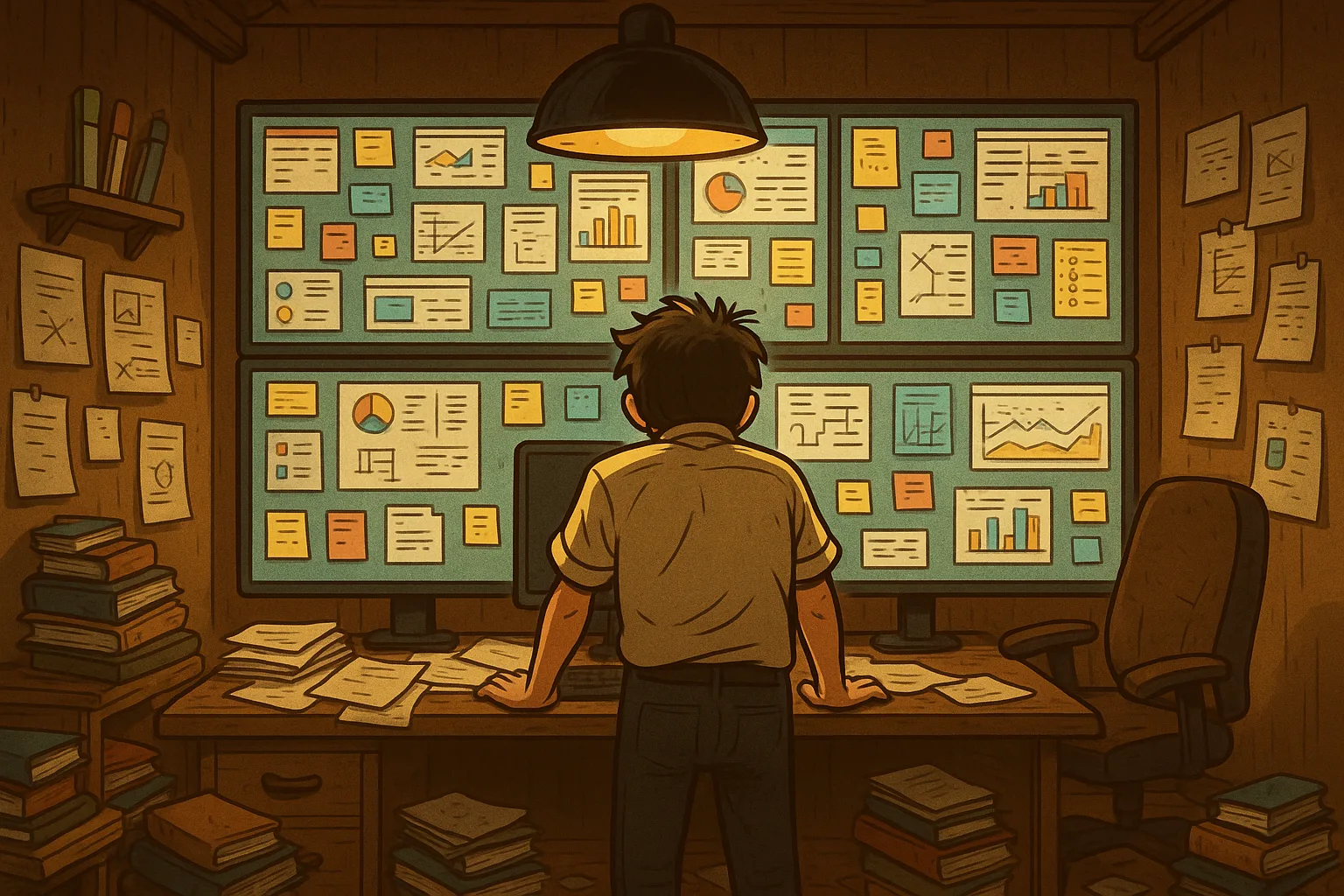
That's me staring at a chaotic mess of screenshots dumped across my hard drives.