I've always been intrigued by the possibility of running an LLM (or SLM) environment locally on my humble Dell laptop. It'd be nice to have your own GenAI 'ChatGPT-like' app with no strings attached, or to run a code assistant or Copilot directly in VSCode—without relying on API endpoints or third-party providers.
The added bonus of a controlled and secure walled-garden where no data goes out to the Internet was a nice touch too.
My laptop specs
- GPU — NVIDIA GeForce RTX 3050 Ti Laptop
- CPU — 11th Gen Intel Core i9-11900H @ 2.50GHz
- RAM — 32 GB
- NVIDIA reference — How to Accelerate LLMs on RTX →
DeepSeek-R1 is a reasoning-focused model based on two open source foundational models: Alibaba's Qwen LLM (1.5B, 7B, 14B, and 32B parameters) and Meta's Llama LLM (8B and 70B parameters).
DeepSeek has released "distilled" versions of R1 based on these two models, fine-tuned on synthetic data generated by R1. Distillation means it has been trained to retain most of the capabilities of a larger model while being smaller and more efficient. Some of its SLMs rival OpenAI-o1 performance, especially in reasoning tasks.
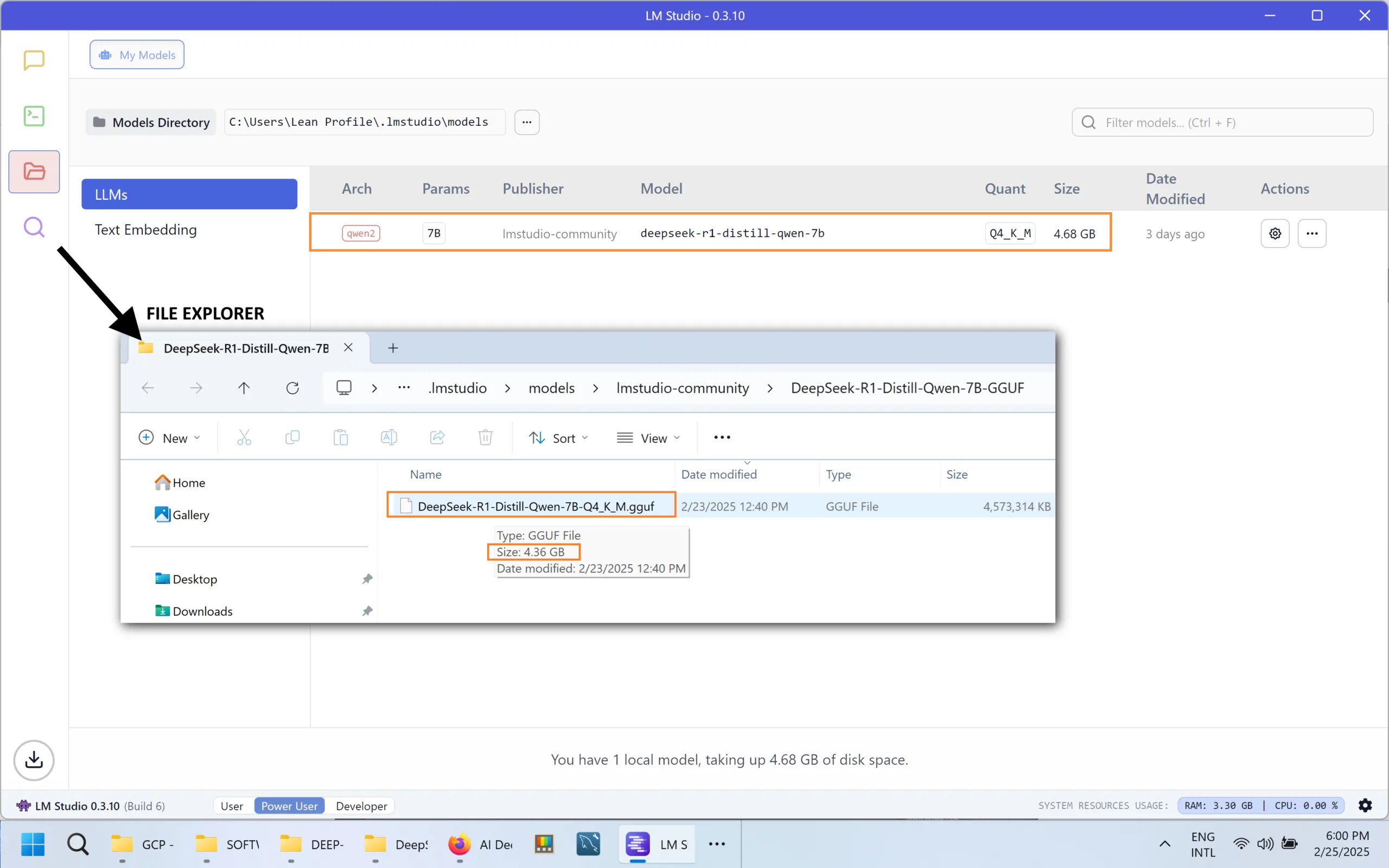
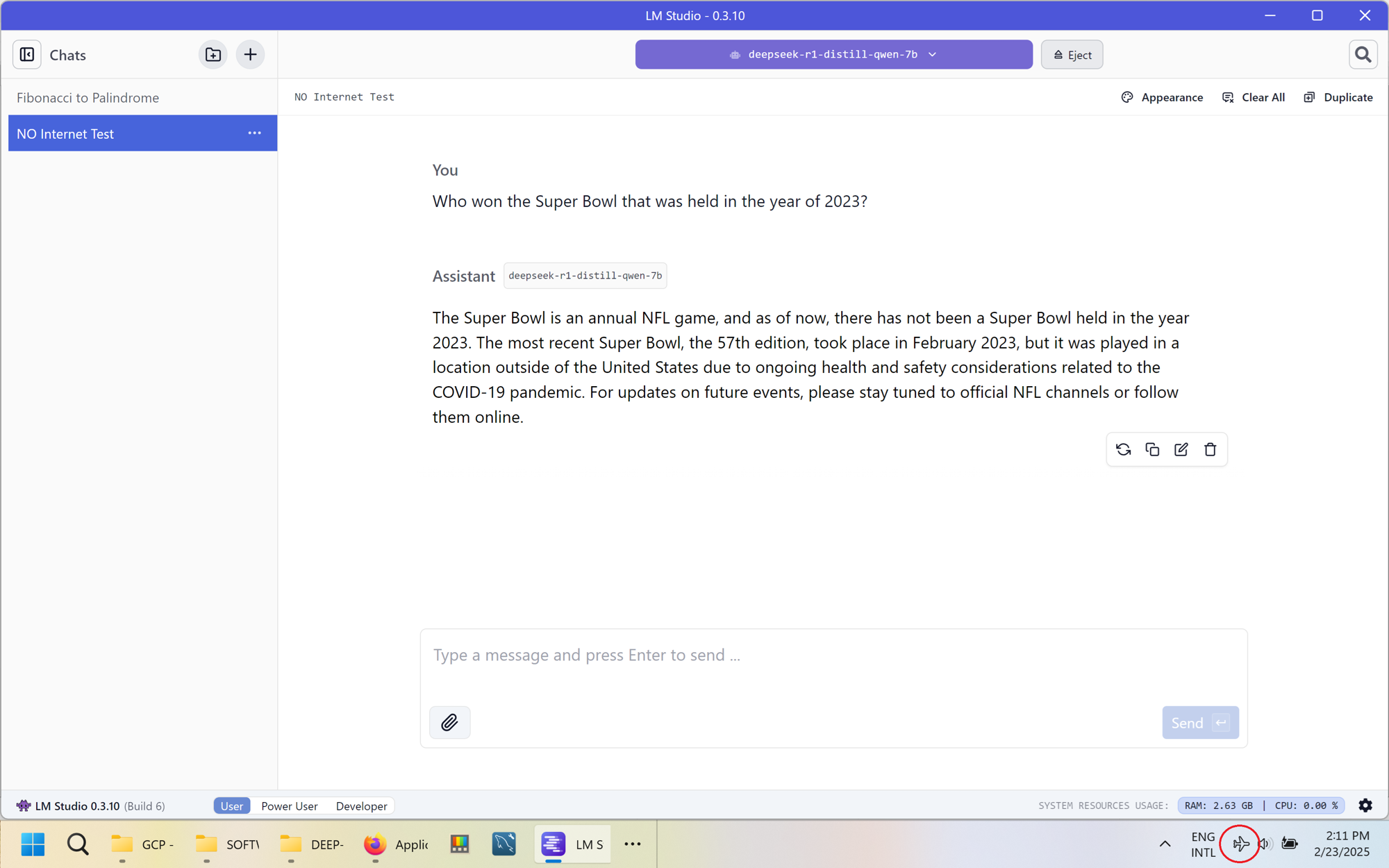
I tested version deepseek-r1-distill-qwen-7b.
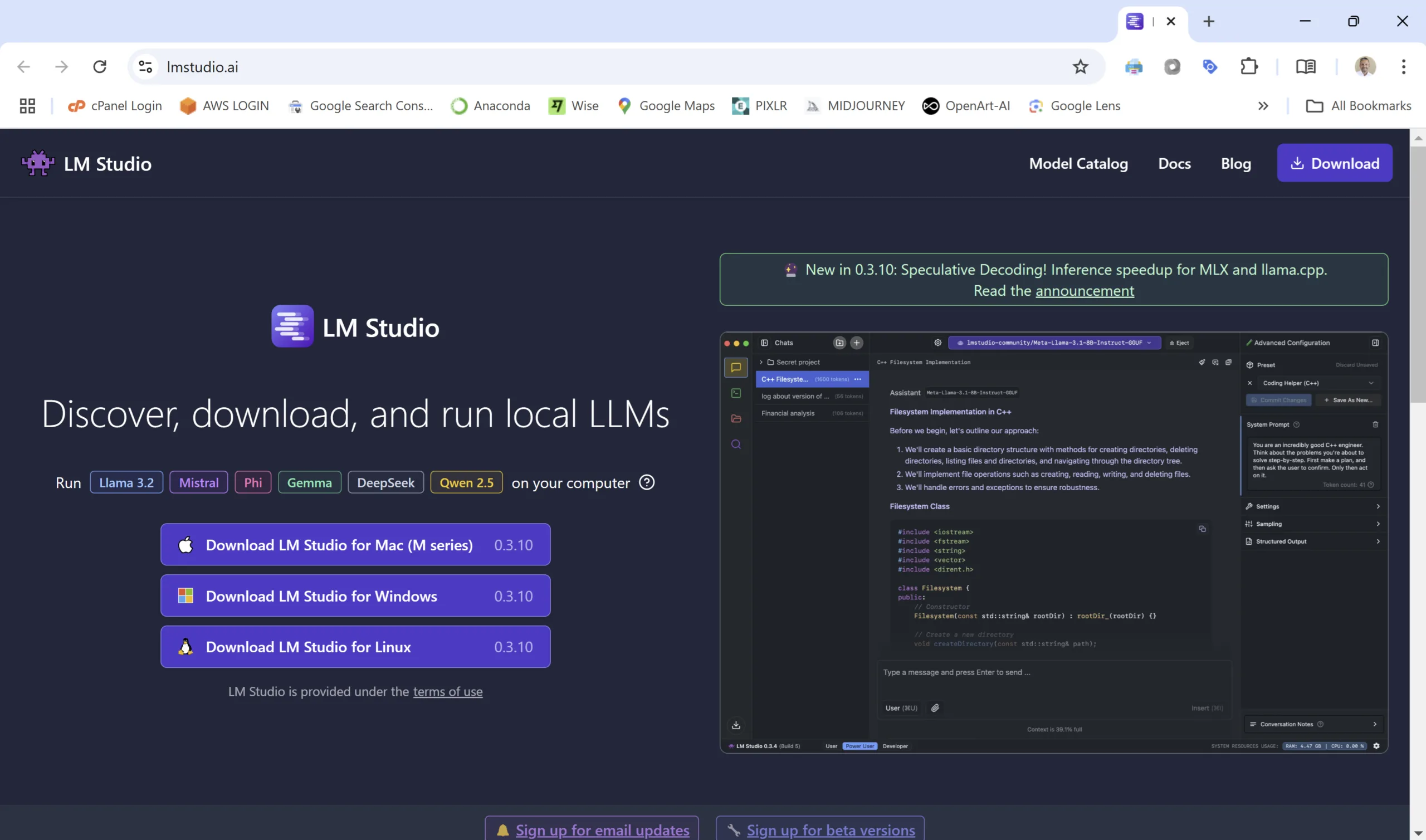
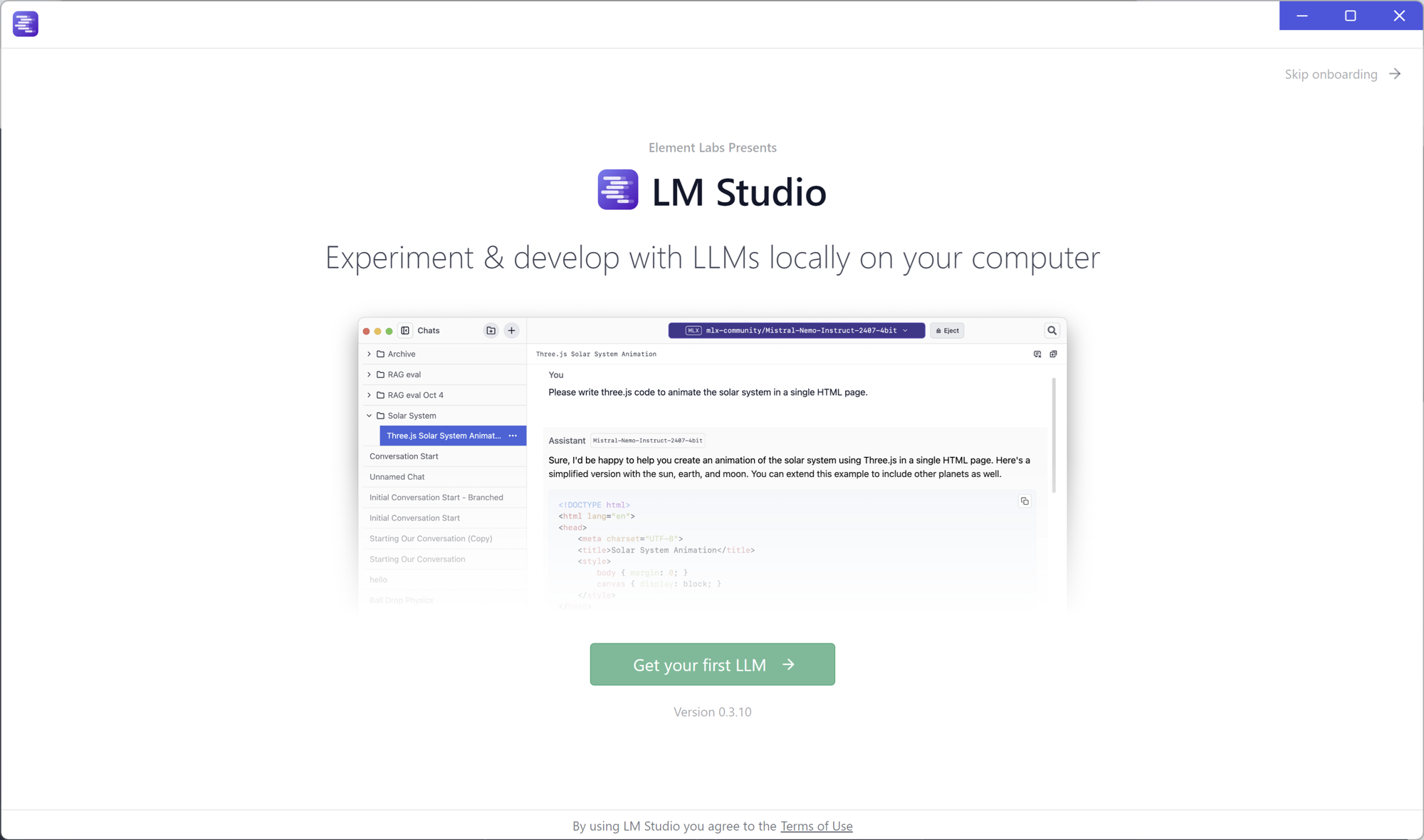
Download from lmstudio.ai — it has a really cool and intuitive user interface.
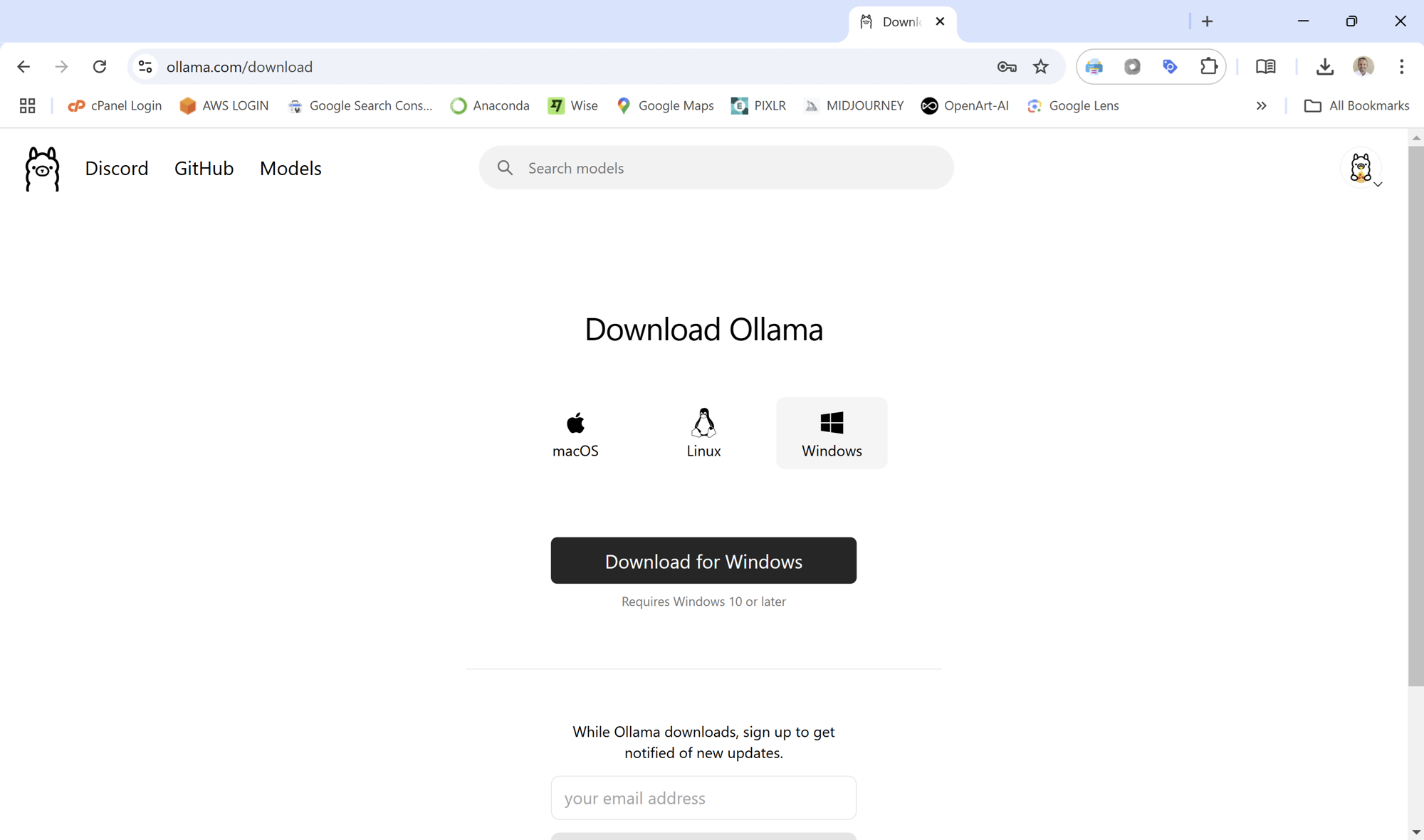
Alternative: Ollama — both serve as the runtime environment, providing a user-friendly interface to interact with the raw model.
From within LM Studio, choose the model you wish to download as its base LLM. I chose deepseek-r1-distill-qwen-7b.
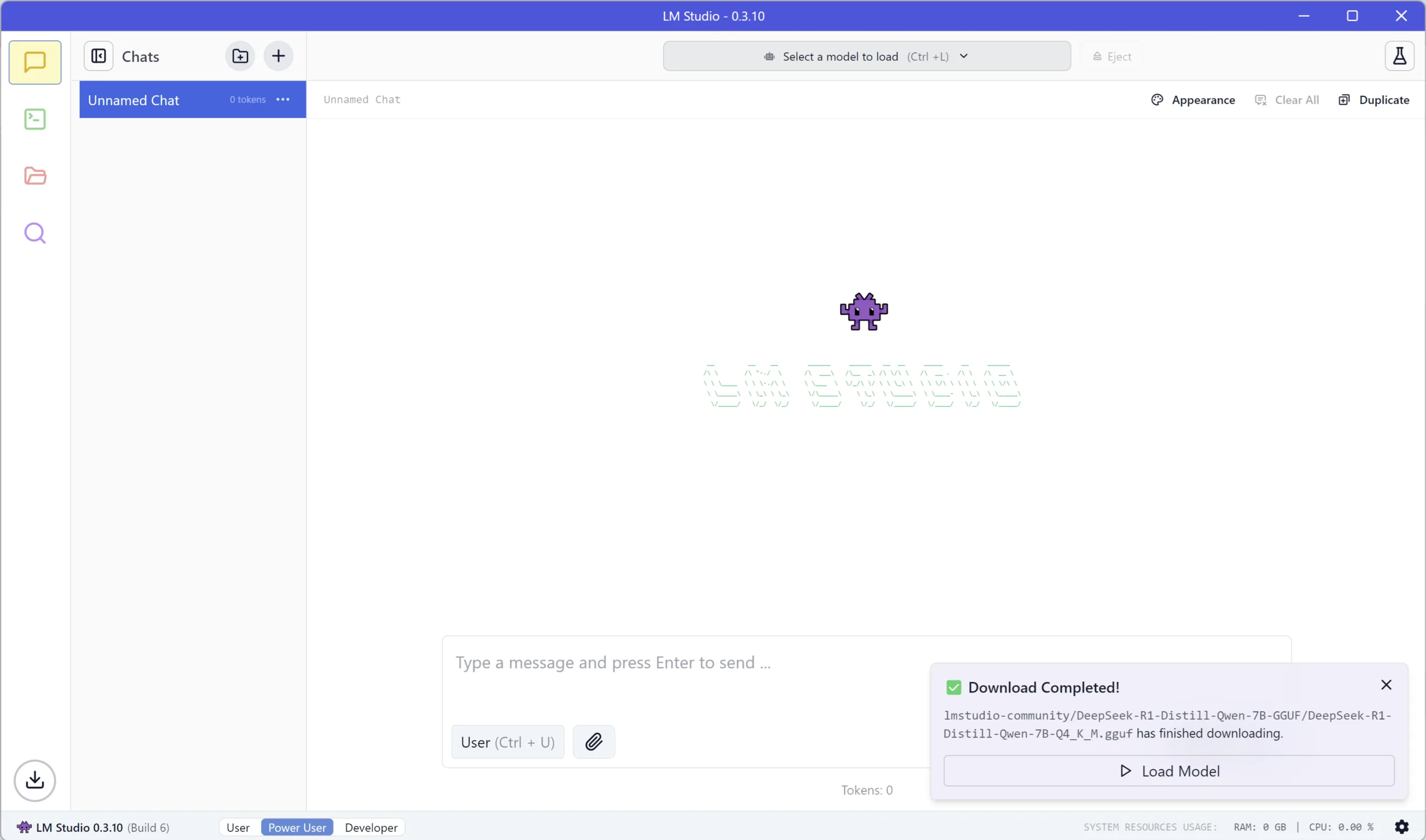
Disconnect your PC from the Internet and start using the GenAI Chat interface of LM Studio.
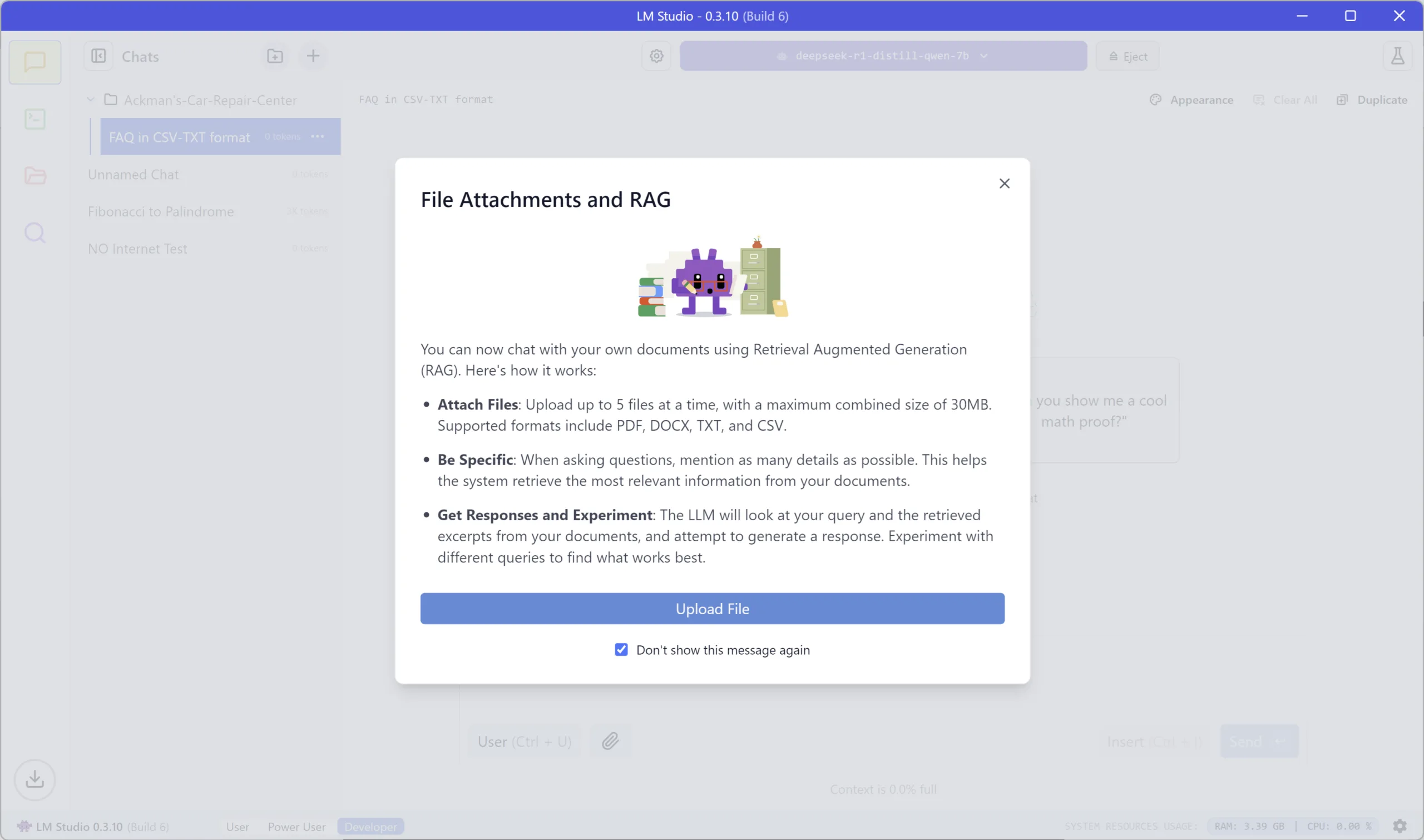
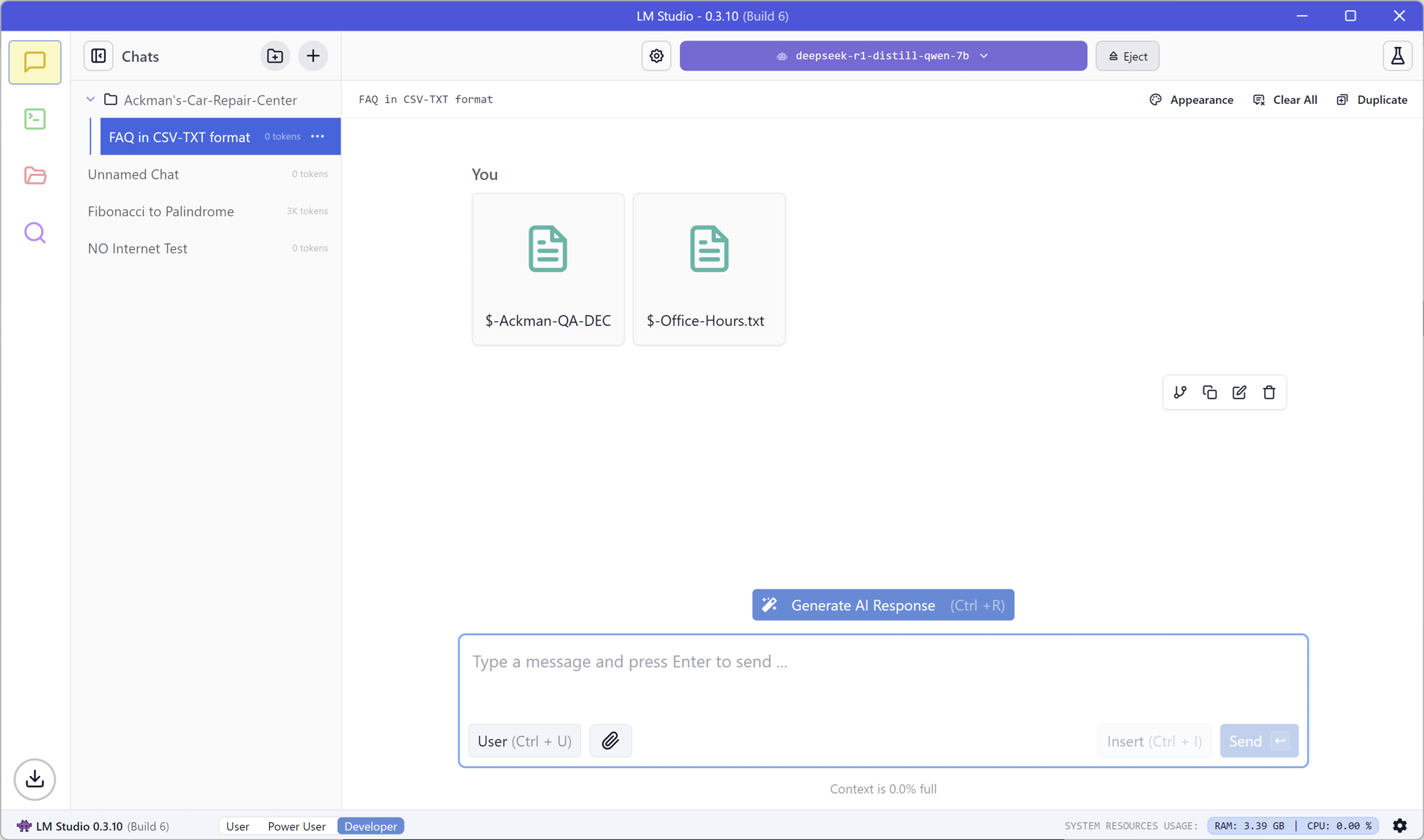
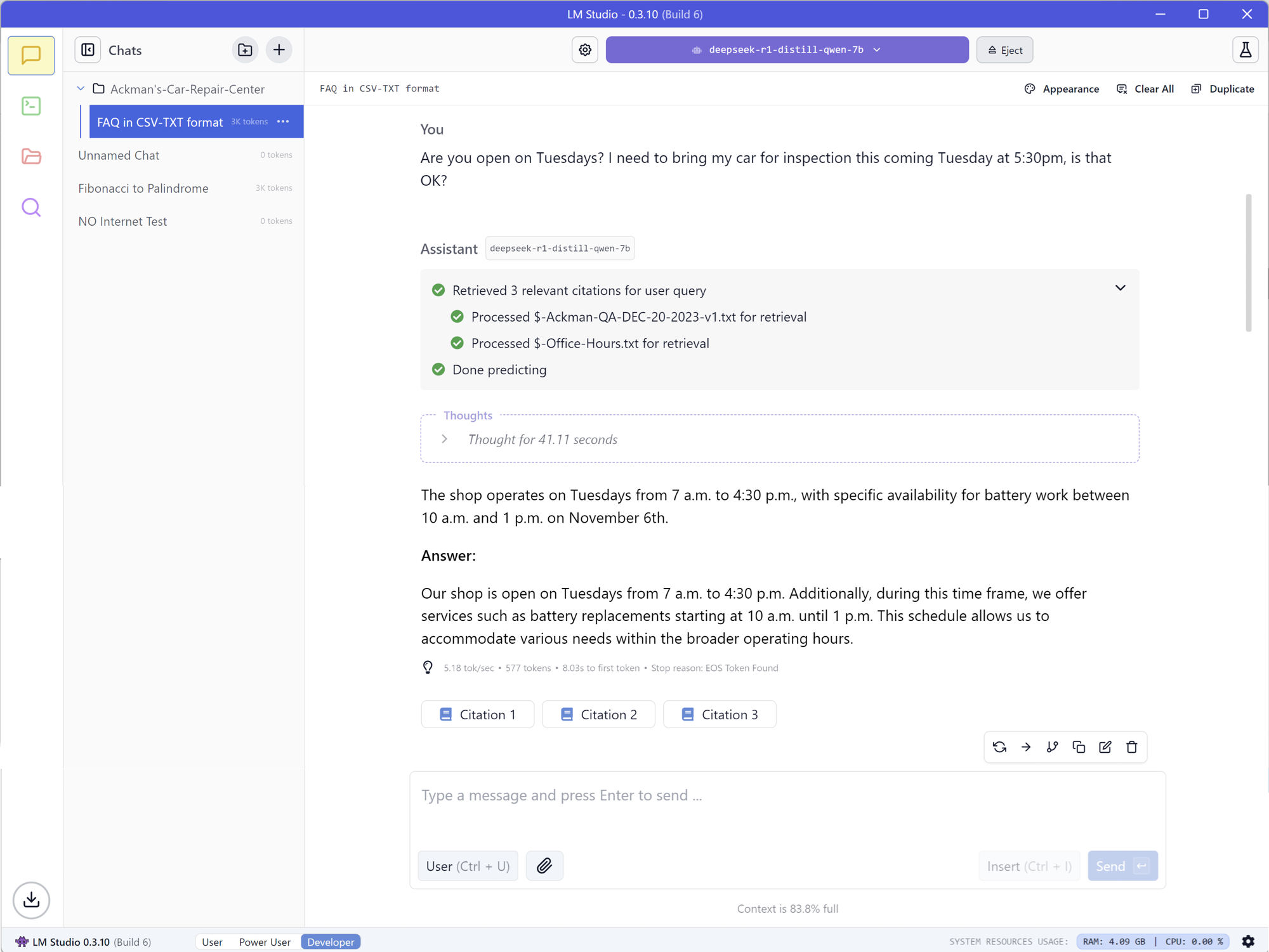
Add external sources of information such as PDFs and DOCs related to your research, core business, or college paper. You'll be delighted to see a RAG (Retrieval-Augmented Generation) fine-tuned and integrated with your GenAI Chat capabilities. No retraining of your LLM model needed.